

This negative image was taken on a fairly sunny day, however not much light was exposed in this image as the shadows that the trees casted over the setting, darkened the area. This photo was exposed for 35 seconds and it was my first sort of successful one as the subtle shape of the concrete and small metal railing fences were detailed. I had many difficulties with other negatives, ranging from overexposure to underexposure to too much movement in the image. This was especially frustrating as the details I wanted in my image did not come through the way I wanted it to. Overall, I believe this negative was done to satisfaction, however it could be improved if it wasn’t exposed for a long time. This would remove or brighten the dark patch in the middle of the image, further showing more details to the setting and its surroundings.

This positive image was created from the first negative that was seen. By creating a test strip, I was able to evaluate the amount of time I needed to expose my negative to turn it into a positive image.
Kaleidoscope Images
Through the use of Photoshop, I was able to create my first kaleidoscope image. By using an online tutorial, I was taught to rotate a part of my original negative and transform it into something cool and symmetrical. As this was just my first attempt of a kaleidoscope image, I kept it black and white with no complex shapes. Although creating this was supposed to be simple, my lack of experience with Photoshop made this especially perplexing for me and it took me a while to learn the basic controls.
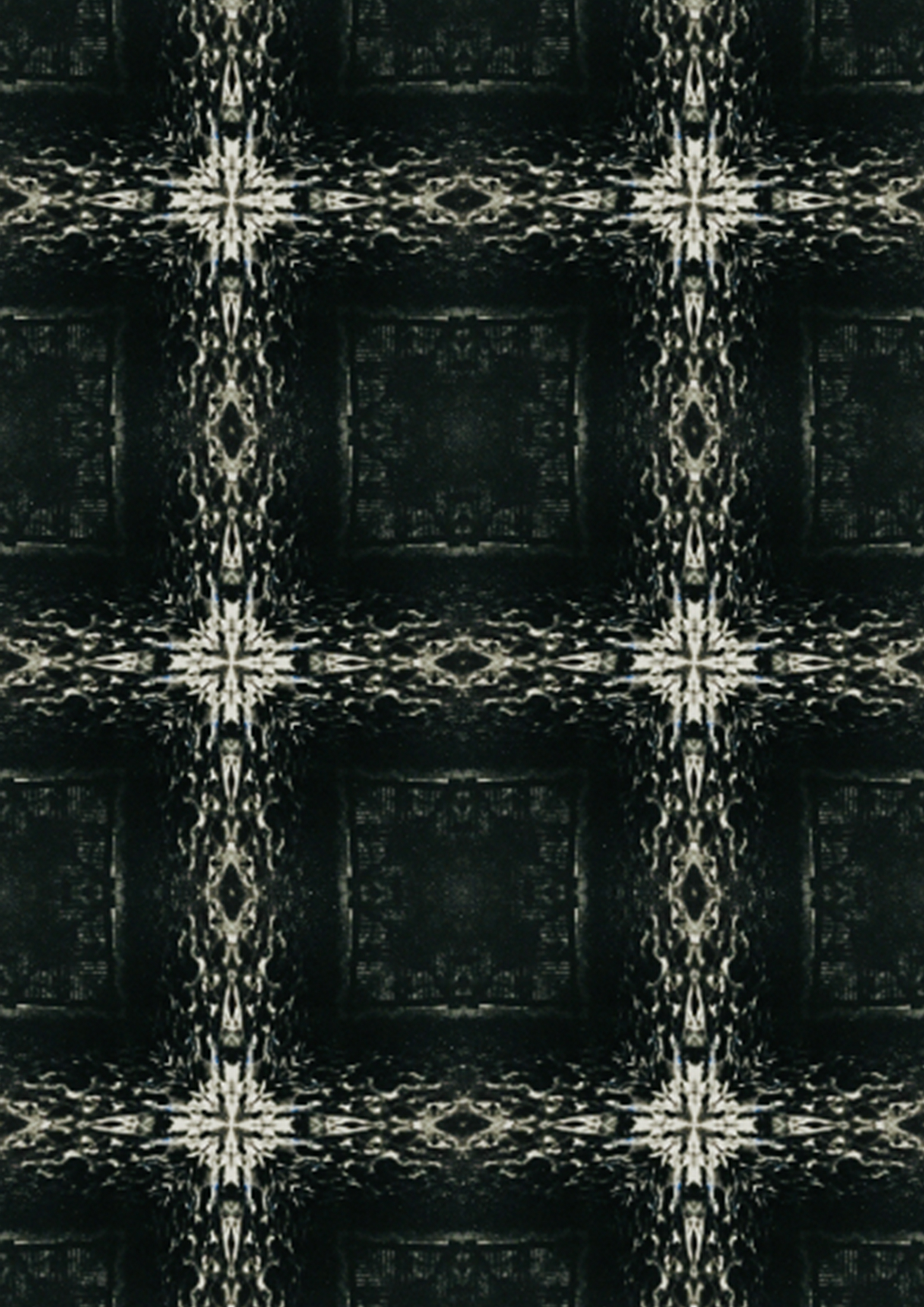
Using my first kaleidoscope image, I created a pattern by playing around with the scale setting under the pattern overlay section. After coming to a decision that the pattern is at an appropriate position, I ended that pattern which created a perfect tessellation of my original kaleidoscope.
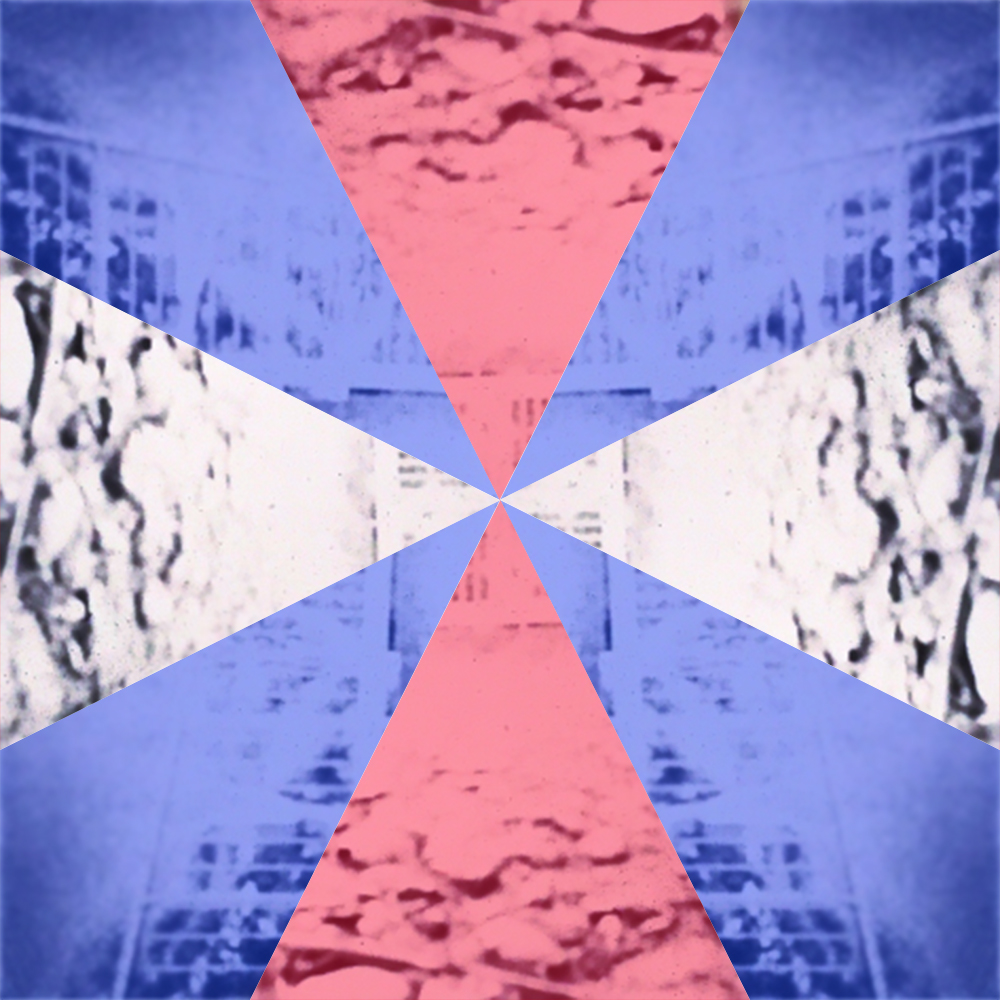
This kaleidoscope image was similar to my first one, however it is more complex as the shapes that were used were completely different, making the pattern more unique. I decided to go with a kite shape which is indicated by the blue areas. After realising that the kite shape doesn’t revolve around the image perfectly, I decided to use isosceles triangles to finish the shape up instead. I also learnt how to add colours onto my kaleidoscope image, something I have never done before. The contrast of the red and blue colours represent the difference in shape of the kite and isosceles triangle.
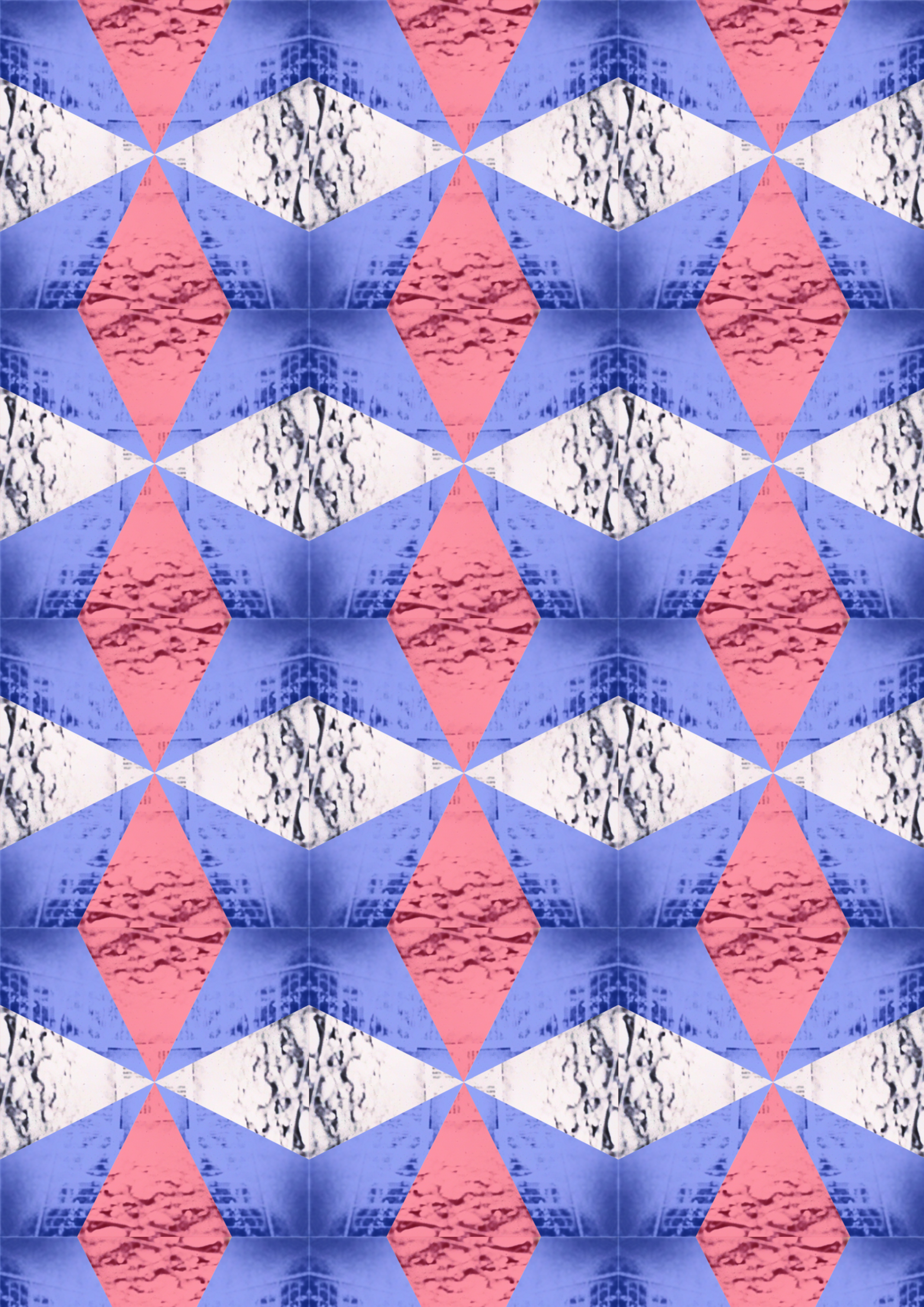
Similar to the first pattern, I created a colourful pattern using my more complex kaleidoscope image. Once again, I messed around with the scaling to create a tessellating pattern with hexagons with a red-blue colour scheme.
Overall, throughout the entire assessment task duration, I had technical difficulties with my laptop when using photoshop to create my images. My lack of experience using photoshop did not help with my technical difficulties, causing the images to come out in a barely satisfactory manner. I will further try to learn and use my mistakes to improve in tasks later down the track. I have also gained lots of knowledge on how to use Photoshop and pinhole cameras which will help me in the future.
 Erik's super cool blog